
What Is a Telehealth Kiosk? How It Works and Where It Fits
A telehealth kiosk puts screening and a doctor in the same ten-minute visit, in an office lobby, a pharmacy corridor or a village hall.
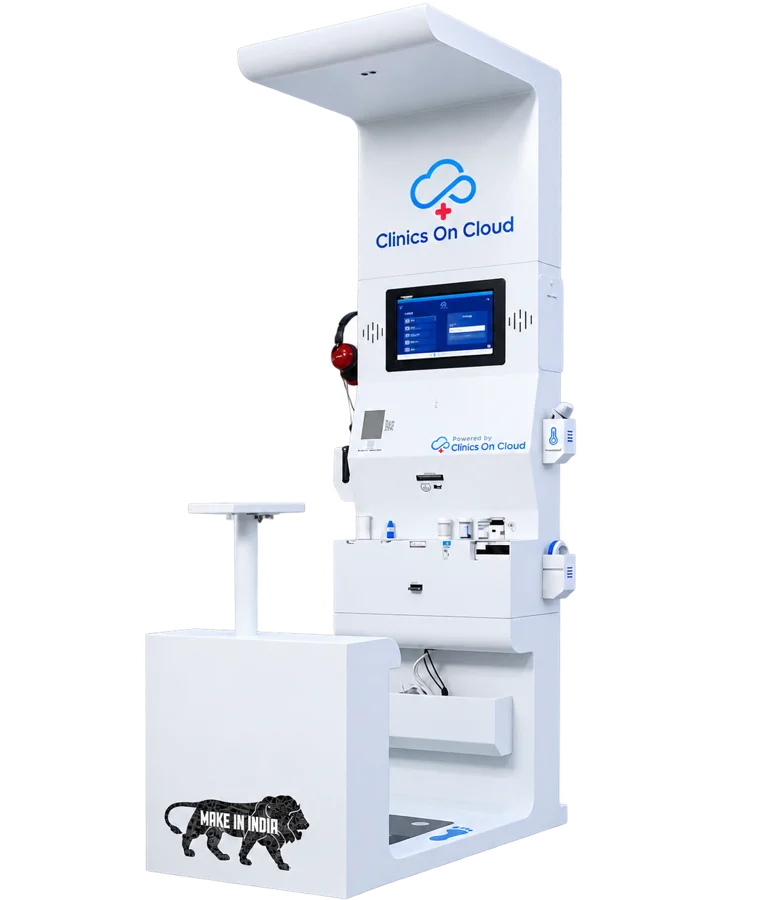
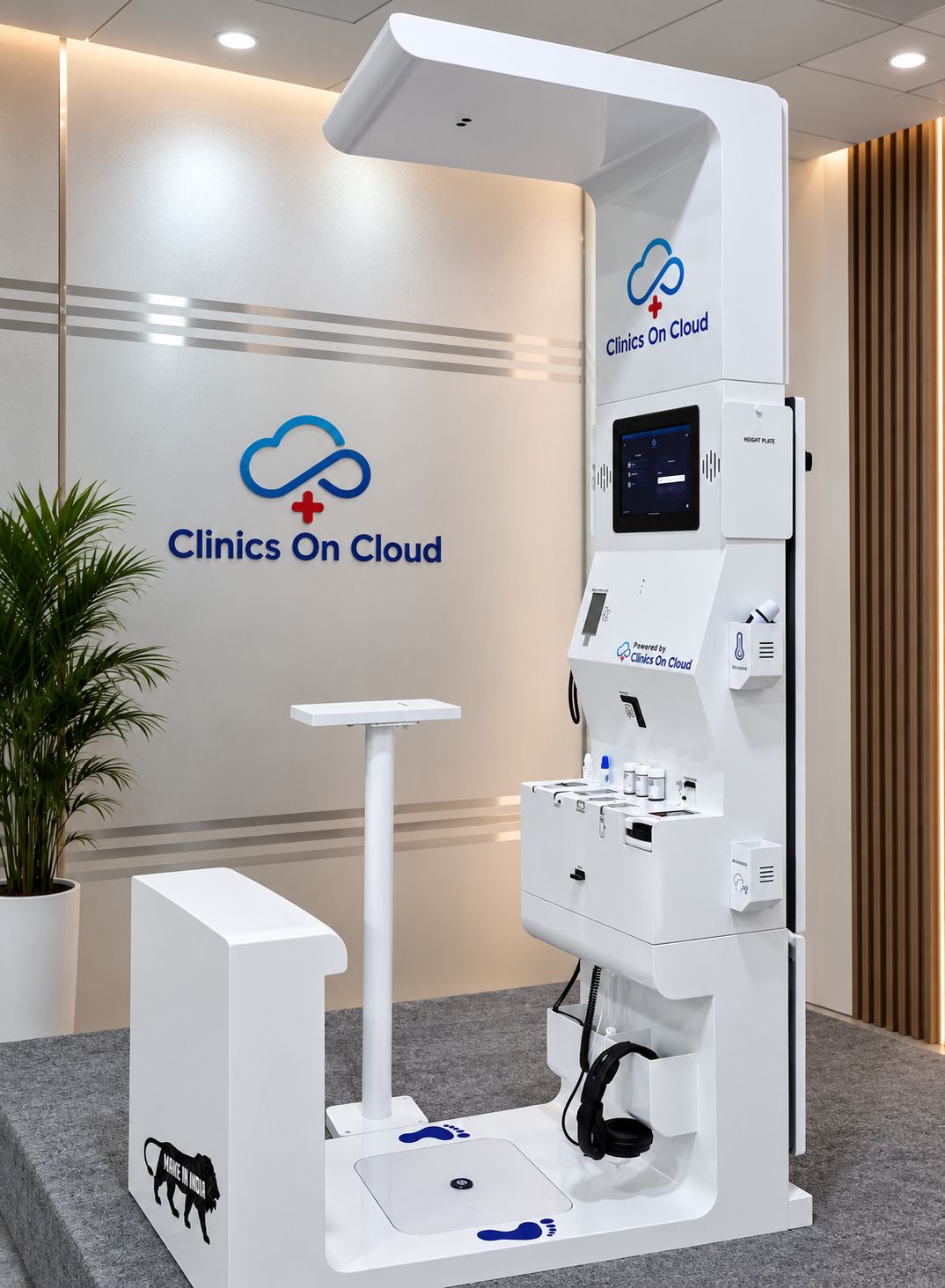
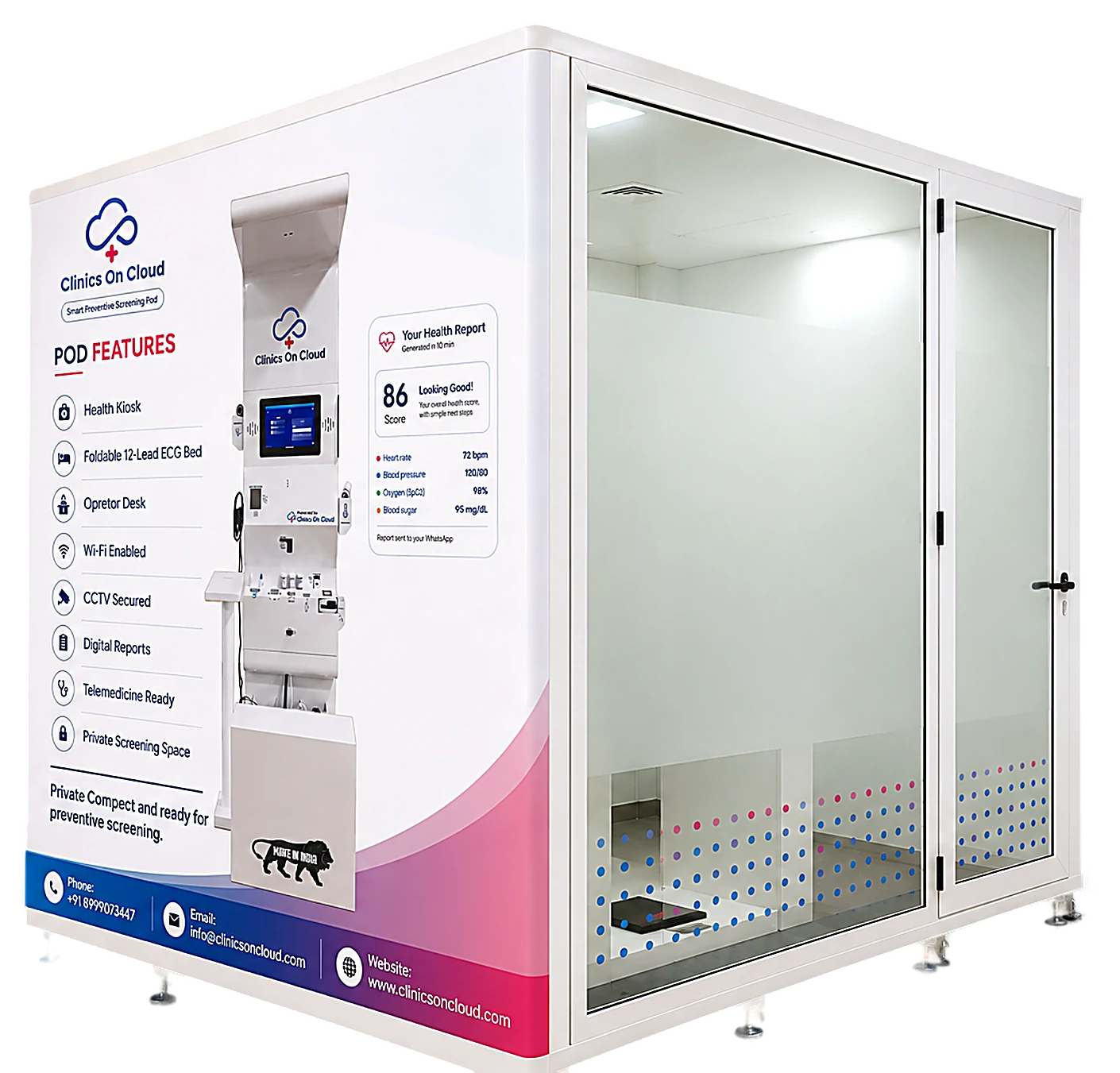
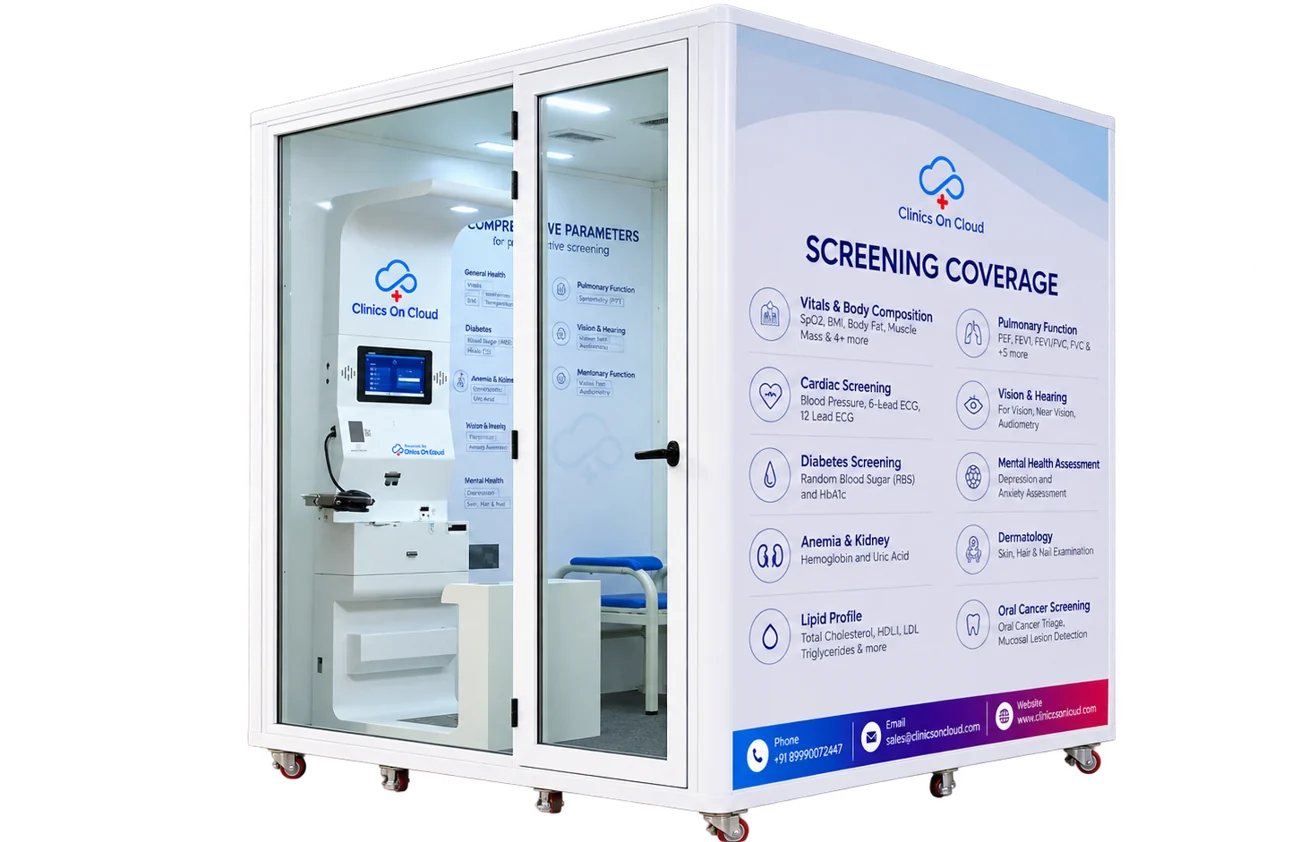
A telehealth kiosk is a self-service booth that measures your health and then connects you to a doctor by video, all in one visit. It brings two things that are usually in separate places, diagnostics and consultation, into a single point of care that can sit in an office lobby, a hospital corridor, a pharmacy or a village.
For millions of people, the hardest part of seeing a doctor is not the consultation. It is the travel, the queue, the lab visit and the second trip for results. A telehealth kiosk removes most of those steps.
How a telehealth kiosk works
A visit to a Clinics On Cloud telehealth kiosk (we call it the Health ATM) follows five steps and takes about ten minutes:
- 1. Screen. Connected medical devices capture vitals such as blood pressure, SpO₂, temperature, ECG and more.
- 2. Assess. An AI layer analyses the readings and builds a health score with risk indicators.
- 3. Record. A voice-guided, multilingual assistant collects medical and family history.
- 4. Connect. A doctor joins by teleconsultation with the full picture already on screen.
- 5. Receive. The patient gets a digital prescription and care plan on WhatsApp or email.
The key difference from a plain video call is step 1. A doctor on a phone call has to rely on what the patient says. A doctor on a telehealth kiosk sees measured data: real blood pressure, a real ECG, real blood glucose. If you are comparing terms, we set out the distinctions in our guide to the telemedicine kiosk.
What can a telehealth kiosk check?
A standard Clinics On Cloud visit covers 65+ parameters, and the platform is engineered for 65+ clinical parameters across 14 specialities, including:
- General health and vitals
- Diabetes screening, including HbA1c
- Cardiac screening with ECG and heart sounds
- Anaemia and kidney markers
- Pulmonary function
- Vision, hearing and ENT
- Dental and oral cancer screening
- Dermatology
- Mental health screening
- Urine analysis and rapid infectious disease tests
The exact test menu depends on the configuration each organisation chooses. Our breakdown of the clinical parameters and tests offered by a health kiosk goes through them one by one, and there are deeper pieces on diabetes screening and cardiac tests.
Telehealth kiosk vs a regular clinic visit
| Telehealth kiosk | Traditional clinic visit | |
|---|---|---|
| Time for a checkup | About 10 minutes | Often half a day with lab visits |
| Appointment needed | No | Usually |
| Results | Instant, on WhatsApp or email | Hours to days |
| Doctor access | Built-in teleconsult | In person, if available locally |
| Staff needed | No skilled staff required | Doctors, nurses, lab technicians |
A kiosk does not replace hospitals. It handles screening and first consultations close to where people are, and refers people onward when they need hands-on care.
Where telehealth kiosks work best
- Corporate offices: on-campus preventive checkups that catch risks before they turn into sick leave.
- Hospitals and clinics: a full diagnostic point without the floor space or capital cost of a lab.
- Schools and colleges: quick vitals checks and doctor access for students and staff.
- Government health programmes: primary health centres, pilgrimage routes and border outposts.
- Pharmacies: turning a medicine counter into a microclinic.
- Rural communities: voice-first, multilingual screens designed for first-time users.
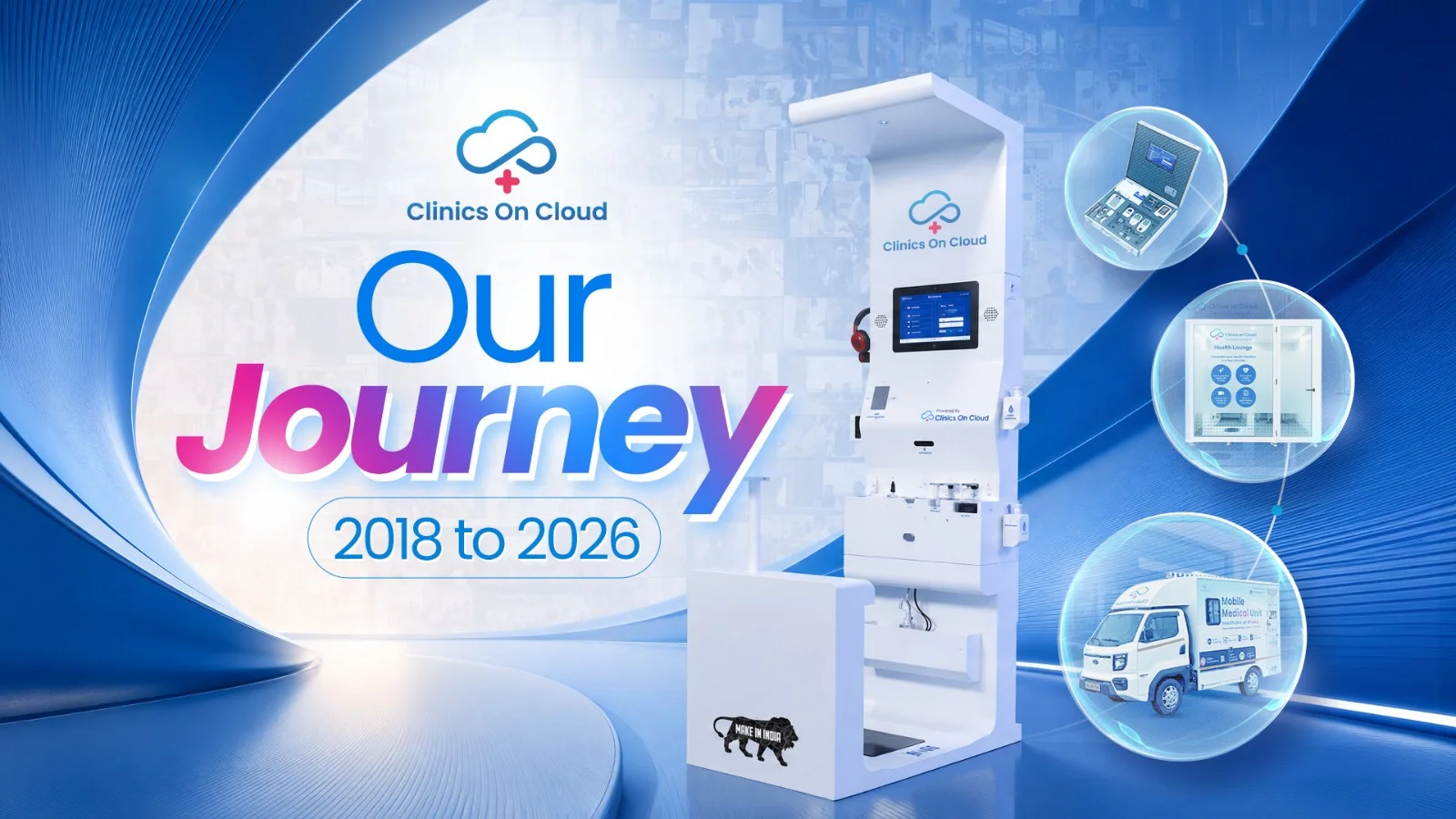
Clinics On Cloud has more than 3,500 installations across 200+ cities and 8+ countries, with users ranging from the Indian Army and Navy to Reliance, Tata Power and AIIMS Rishikesh. You can see where those deployments are.
What to look for when choosing a telehealth kiosk
- Regulatory approvals. Look for CDSCO licensing in India, ISO 13485 for medical device quality and CE marking.
- Data security. Patient data should be protected to standards such as ISO 27001 and HIPAA.
- Offline capability. Rural and remote sites need a kiosk that keeps working when the internet drops.
- Integration. Check that it connects to your HMIS, EMR or the national digital health stack.
- Service support. Ask who handles installation, training and maintenance.
Further reading. Health ATM · health kiosk · mobile medical unit · AI care pod · AI box clinic.
Bring a telehealth kiosk to your organisation
Whether you run a hospital, a company, a CSR programme or a public health mission, a telehealth kiosk puts a complete checkup and a doctor within ten minutes of your people. Book a demo, call +91 8999 073 447 or email sales@clinicsoncloud.com.